SocialGridStudio
Coming soon to the App Store
Made by a photographers, for photographers.

Every tool. One toolbox.
See it in action
One landscape photo.
Four ready-to-post outputs.
Drop a hi-res landscape and SocialGrid gives you everything for the post:
a square cover,
a 3-card carousel that lines up perfectly on Instagram,
a letterboxedfit for users who prefer the whole frame,
and a wall-art mockup to preview the shot as a print.
No cropping math.
One photo. Cinematic Reel
Pick a still. Place two frames — start and end.
Photo Showcase animates between them, syncs to your audio's beats, exports as a 1080p MP4 ready for Reels.
Your IG feed, planned in advance
Drop photos. SocialGrid arranges them in a 3×3 grid you can drag, reorder, and rebalance — and if you're already on IG, pulls in your current profile from one screenshot so the next post lands in the right spot.
Show your edit, frame by frame.
Slider, fade, blur dissolve — pick the reveal.
Export as image or video.
No badges of “made with X”.
Your photo's story, automatically.
Drop a photo. SocialGrid reads your camera body, lens, focal length, ISO, GPS — and lays them out as a clean card that drops straight into your IG post.
This app started because a few photographers asked "what if one app did the whole thing?" — so we're keeping the door open.
If there's a workflow that's still painful, or a simple tool no one has built yet, send us a note. The features that help actual photographers go to the top of the list.
Built right.
Try it free for 3 days.
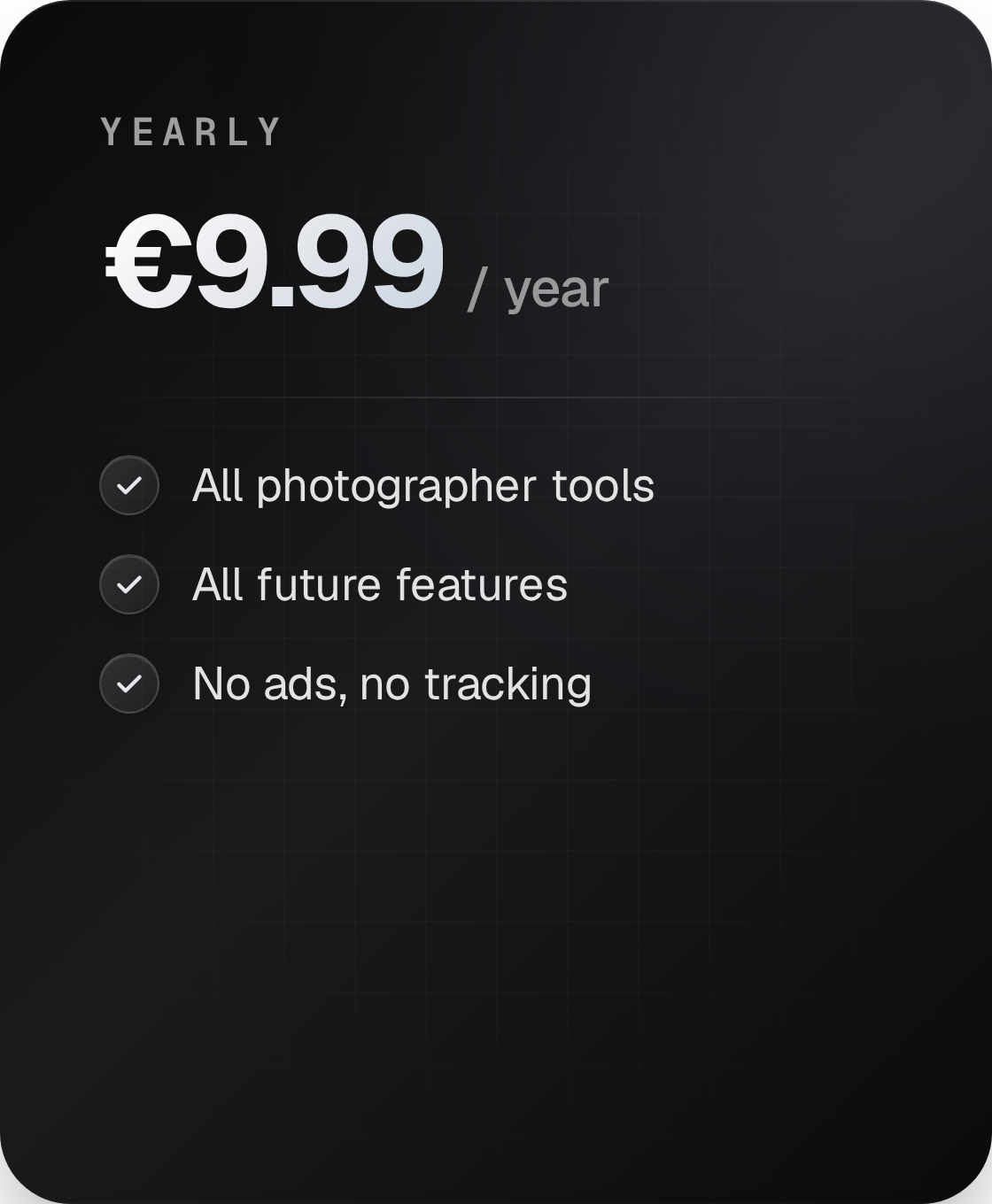
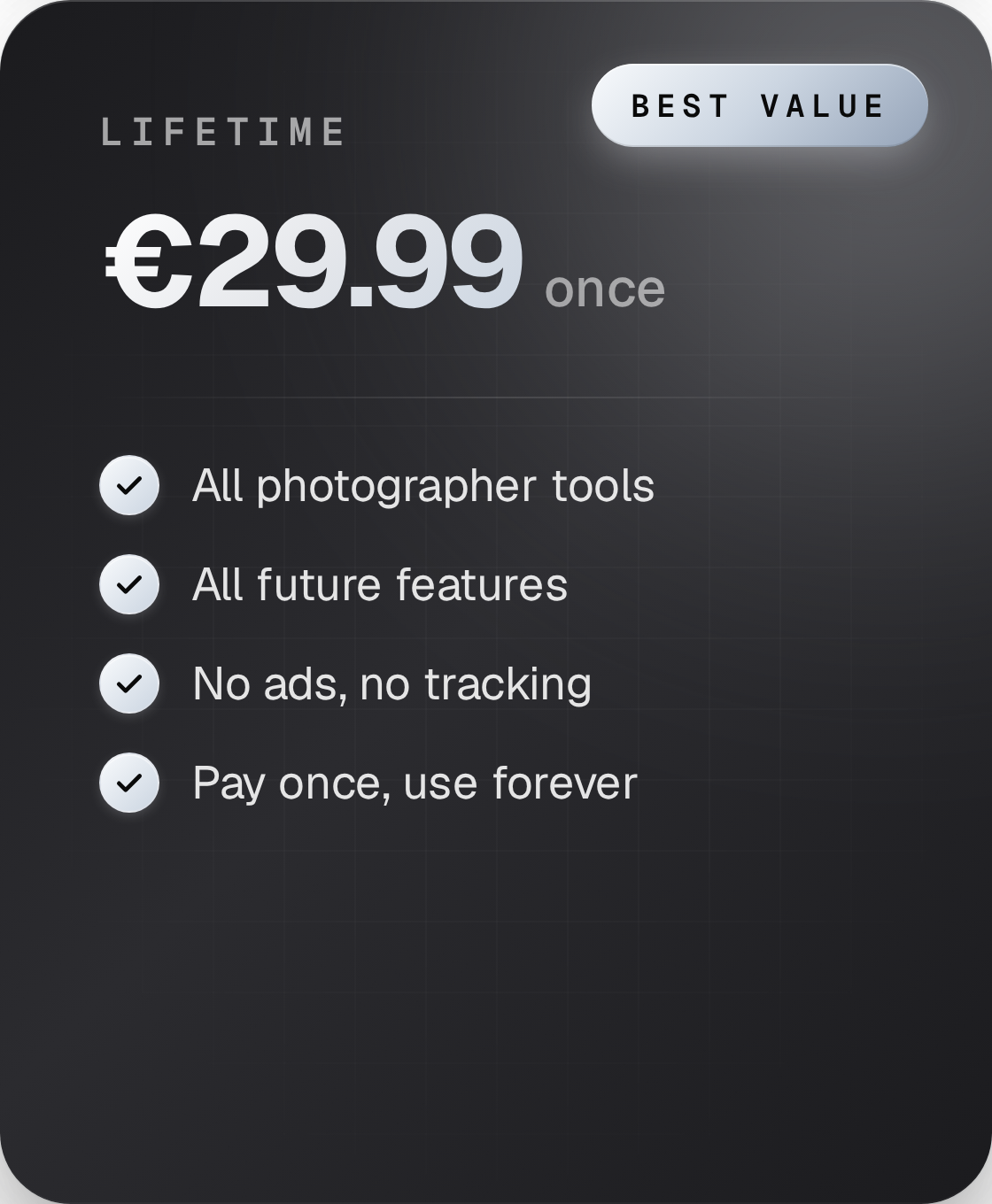
Free for 3 days starting from your first launch. Yearly auto-renews, cancel anytime in App Store. Lifetime is a single one-time payment.
Made by a photographers,
for photographers.
SocialGridStudio started as a frustration shared by a couple of photographers. Every Instagram post meant jumping between half a dozen specialised apps — some on desktop, some on mobile — each one demanding a watermark, an ad, or a "rate us" pop-up before it would let us work. The worst part wasn't the friction. It was the time: tasks that should have taken a minute regularly ate twenty. So we asked ourselves the obvious question: what if there was just one app for the whole workflow?
We started building it for ourselves, on iOS, with no plans to ship it. Some of the tools we needed didn't exist on mobile at all; others existed but were buried under so much UI that they may as well not have. The private build kept growing.
Then other photographers started asking. "What did you use for that effect?" Over and over. So we made the call — stop hoarding it, polish it, put it on the App Store. What started as tools for our own workflow is now SocialGridStudio.
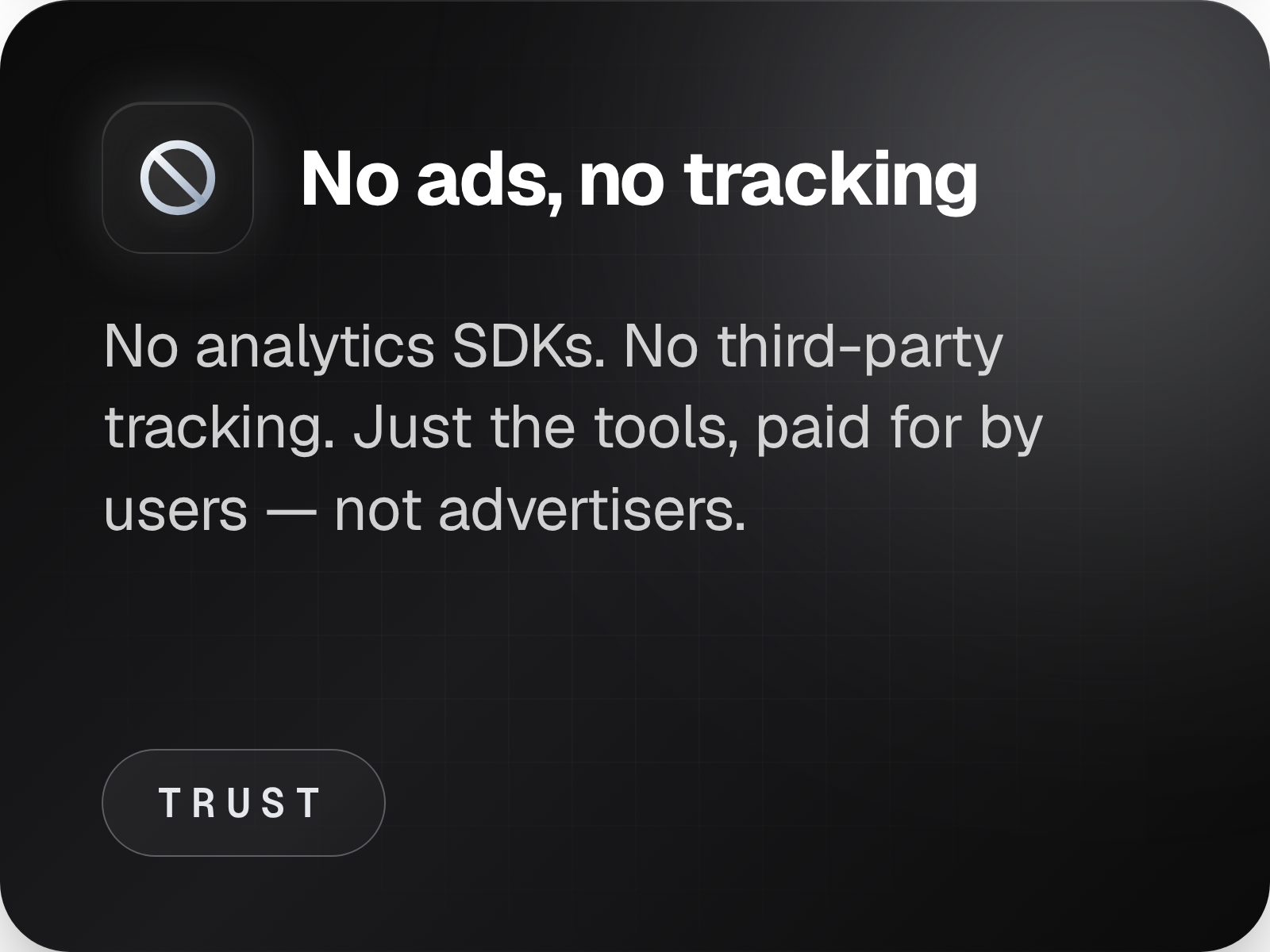
Yours to use too. No watermarks. No ads. No pop-ups. Just the tools.
FAQ
-
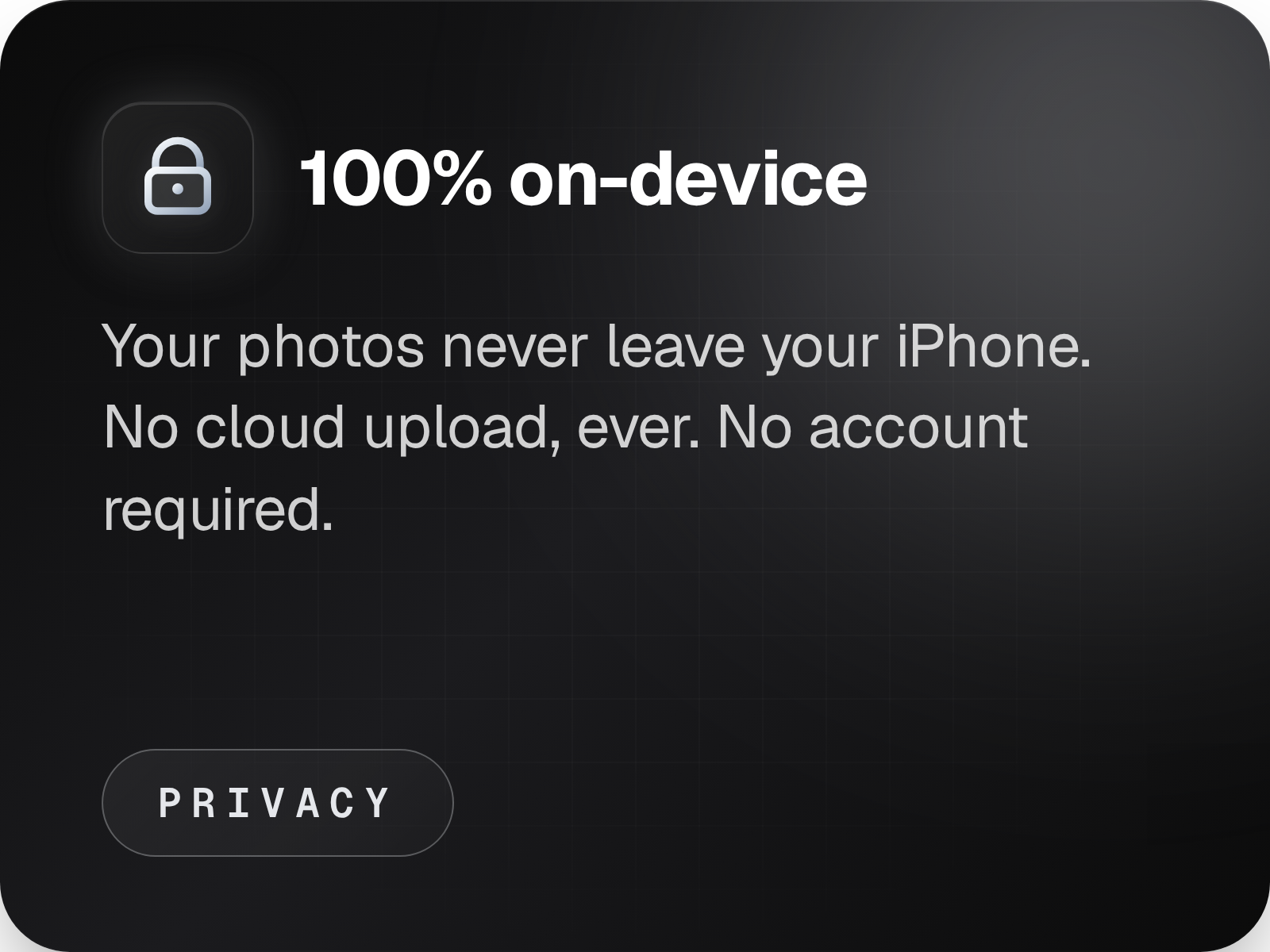
Yes. Every tool runs entirely on your iPhone. The only internet calls are to fetch IAP entitlements from Apple's servers and (optionally) to load a map snapshot for EXIF Cards when your photo has GPS data.
-
No. SocialGrid Studio has no servers — photos, edits, and projects stay on your iPhone until you explicitly export them via the share sheet or save to Photos.
-
Your access continues until the end of the paid period. After that, the paywall returns and the tools lock until you resubscribe or buy Lifetime. Your existing projects stay on the device.
-
Refunds go through Apple — see
https://reportaproblem.apple.com
> reportaproblem.apple.comWe don't process payments directly.
-
Yes. Lifetime is a one-time purchase. It includes every tool that ships in the future, and you'll never be asked to pay again. Apple's StoreKit holds the receipt — you can restore it any time, on any device signed in to your Apple ID.
-
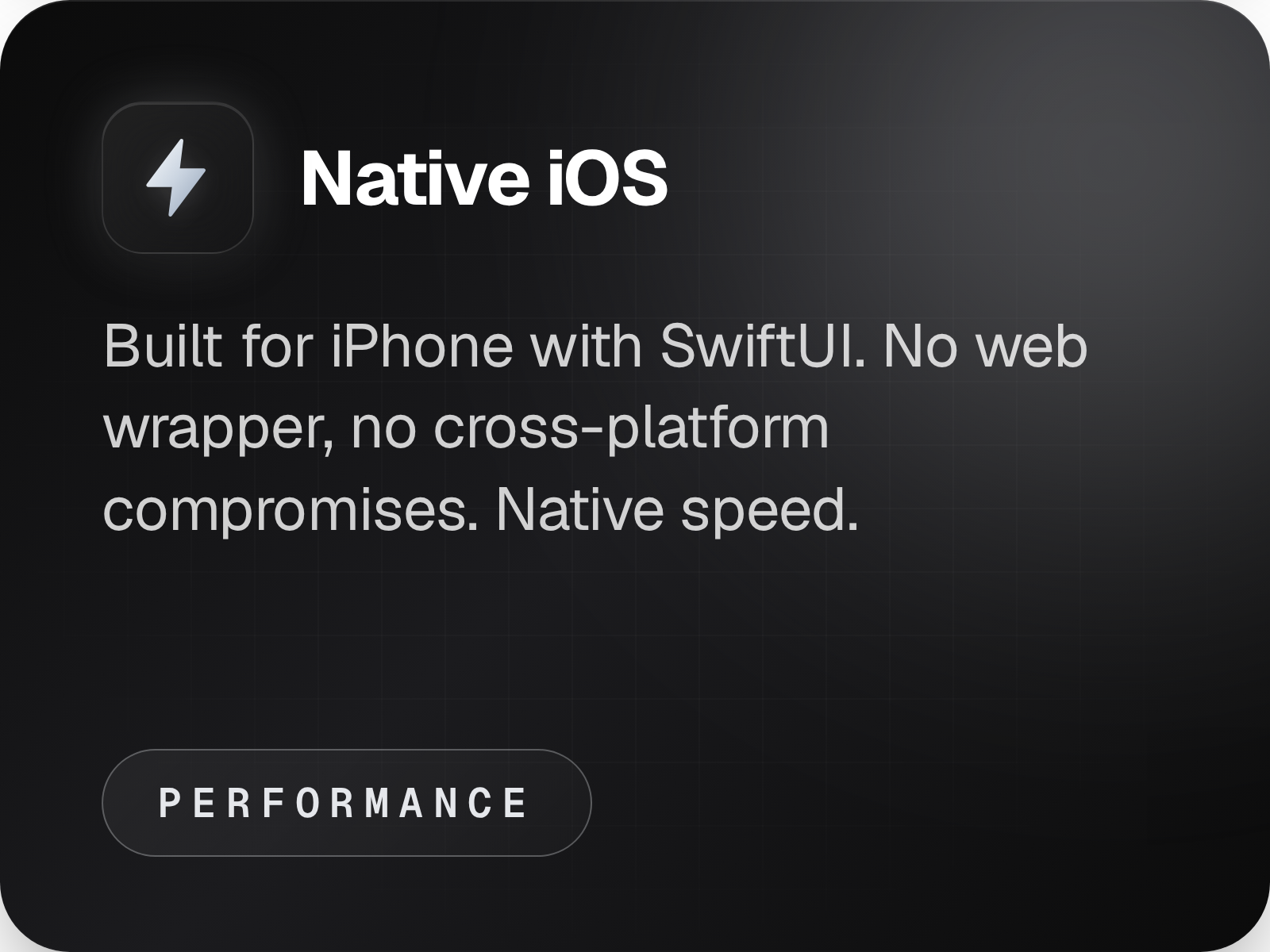
Not on the roadmap. SocialGrid is built natively for iPhone — going cross-platform would mean compromises I'm not willing to make. iPad support will come later.
-
Email
simply.on.photography@gmail.com
I read every message.
FEEDBACK - Suggest a feature, report a bug!
SocialGridStudio
© 2026 Ondřej Fiedler
Made in Czech Republic 🇨🇿